Search the Play Store for a journaling app and you get a thousand results that look the same. Same soft colours, same promises, same screenshots. They are not the same at all.
What separates them is what you want to do:
- Write. You have things to say and you want somewhere good to say them. You need prompts for the empty evenings, room for long entries, and a way to find them again years later.
- Track. You want to see your own patterns without writing much. Tap a mood, tap what you did, and let months of taps turn into something you can read at a glance.
- Make something visual. The photos are the point. You want a page you could print and put on a shelf, built from pictures, stickers, colour and a bit of mess.
Most abandoned journals are the result of picking the wrong one of those three. Here are six good apps, and who each is really for.
The short version
| Snipbook | Zinnia | Mininote | Daylio | Dear Diary | Day One | |
|---|---|---|---|---|---|---|
| Best for | Making pages you'd print | Pretty planner pages | Cute, busy photo pages | Tracking how you feel | Writing, with feeling | Writing, with context |
| Platform | Android, iOS, Web | Android, iPad | Android, iOS | Android, iOS | Android only | Android, iOS, desktop, web |
| Free-form pages | Yes | Yes | Yes | No | No | No |
| Stickers & art | Backgrounds, templates, stickers | Stickers, tape, layouts; restocked monthly | Stickers, tape, frames, cut-outs | Activity icons | No | No |
| Mood tracking | No | Via templates | Yes, on a calendar | The whole point | 50+ named moods, rituals, stats | Via templates |
| Writing prompts | No | A few prompt journals | No | No | Dozens, free | Yes, free |
| Dates & calendar | No | Self-dating templates | Yes | Yes, plus Year in Pixels | Yes, with photos on the days | Yes, plus a map |
| Photo, video, audio | Photos | Photos | Photos, music | Photos, audio | All three, read aloud | All three, with transcripts |
| Account needed | No | Yes | Yes | No | No | Yes, to sync |
| Where it's kept | Your device | Their servers | Their servers; backup costs extra | Your device; optional encrypted backup to Drive | Your device only | Their servers, encrypted so only you can read it |
| Works offline | Yes, apart from the visual content store | Partly | No | Yes | Yes | Partly |
| Getting things out | Images, PDF, diary export | PDF, share to social | Images | PDF, spreadsheet | PDF reports, video reels | PDF, plain text |
| Ads | No | No | Yes | Yes, on Android | No | No |
| Price | Free; $4.99/mo for Premium | $8.99/mo or $34.99/yr; free tier is 3 journals and a sliver of the art | Free with ads; $1.50/mo or $14.98 one-time unlocks backup and most of the art | Free with ads; $2.99/mo or $34.85 one-time removes them and adds stats | Free; $5.99 one-time unlocks the extras | $49.99/yr and up; free tier is one photo per entry |
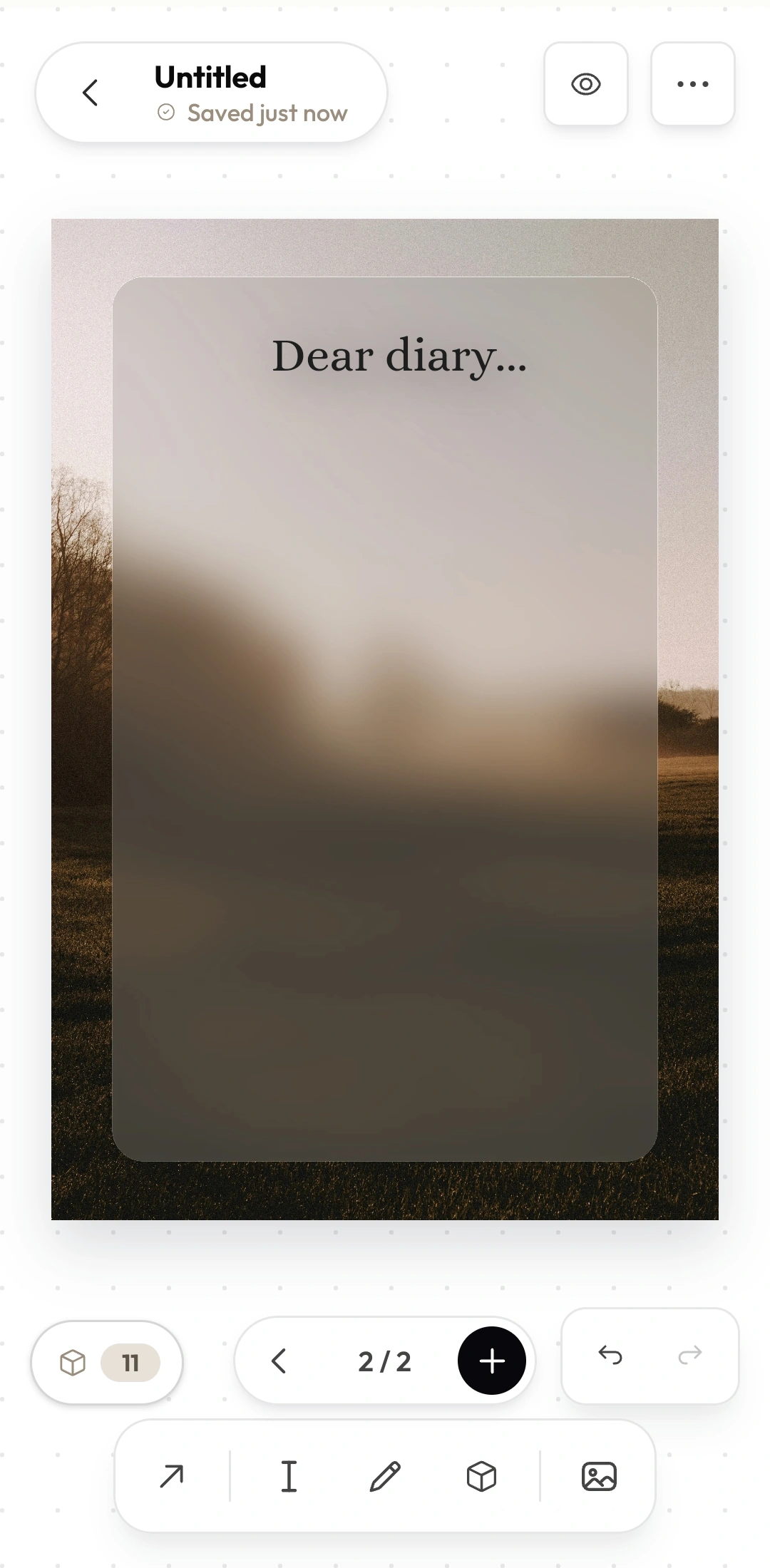
SnipbookVisual diary · Android, iOS, web · free
Snipbook hands you a blank page and gets out of the way. No moods, no streaks, no calendar. You drop in photos, text, doodles, stickers and backgrounds, then push everything around until the page looks right.
Small touches do the heavy lifting. Photos crop into circles, stars or torn-paper shapes, everything casts a real shadow, and pieces snap into line as you drag them. Finished pages export as images, and a whole diary exports as a PDF that prints at true A4.
How it feels: quiet. It opens in a browser on any phone or laptop, asks for no account and keeps everything on your device. It will also never remind you to journal, and it has no opinion about your feelings.
ZinniaDigital planner · subscription
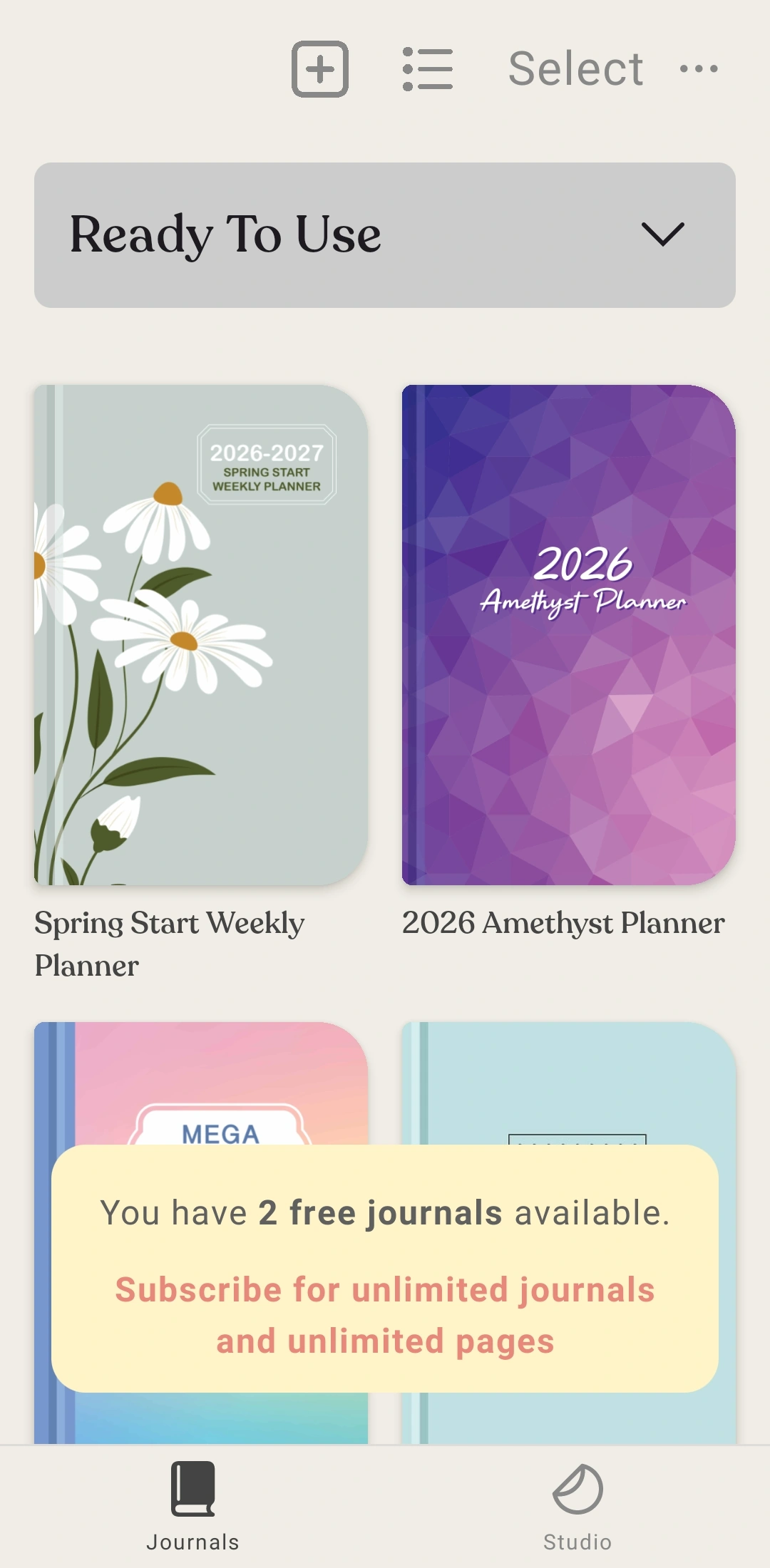
Zinnia is a craft shop wrapped around a planner. Stickers, washi tape, frames and full page layouts arrive in themed collections every month — cottagecore one week, dark academia the next.
Its best trick is PDF import. Bring in a planner you bought on Etsy, then annotate it and stick photos on it. Templates fill in their own dates, so moving your start date updates the whole spread.
How it feels: like being handed a gorgeous craft kit and then asked for your card. The art is very good and almost all of it sits behind the subscription. The free version stops at three journals.
MininotePhoto-card diary · free with ads
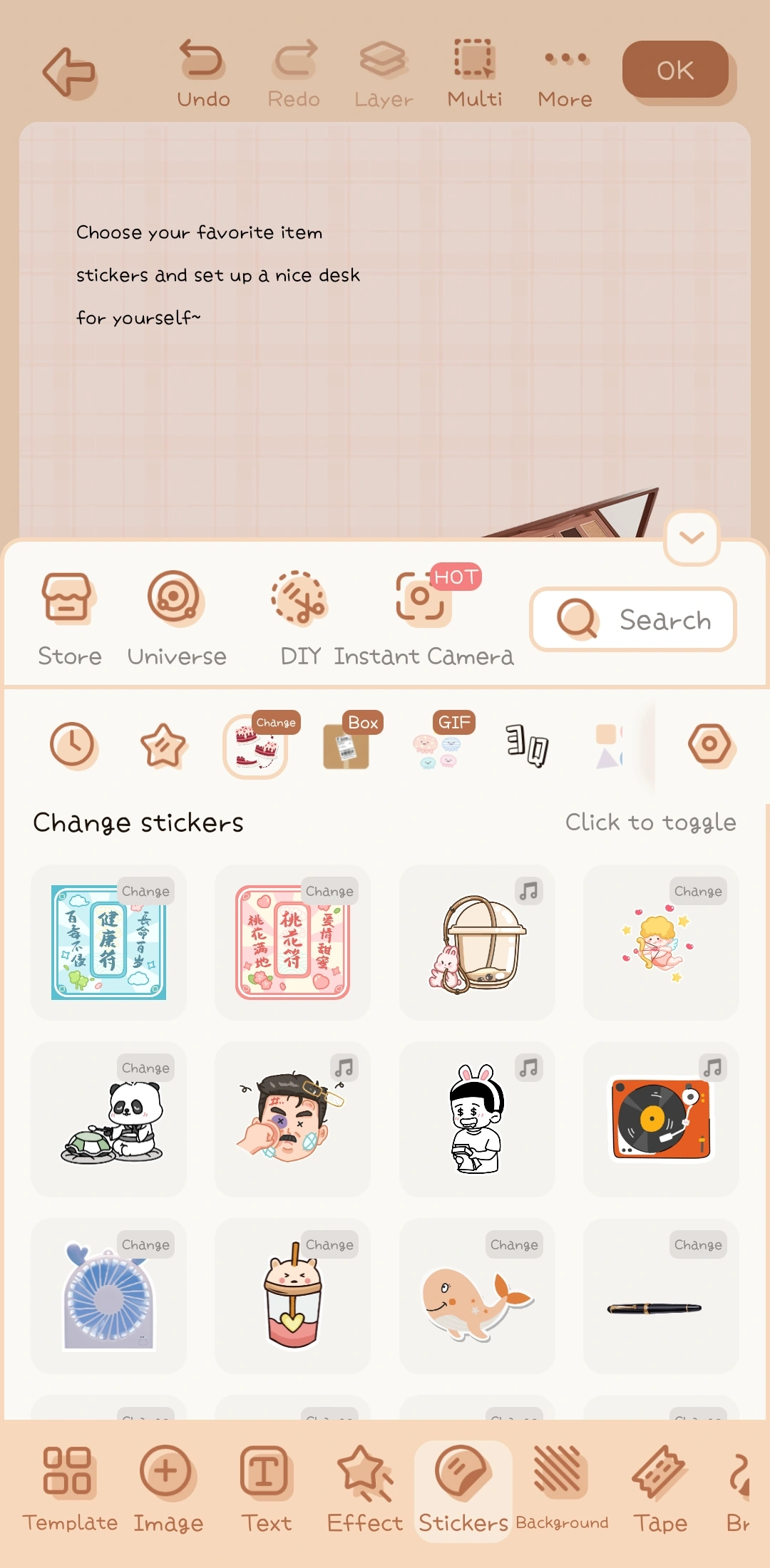
Mininote is the loud one, and it is a lot of fun. It grew out of the photo-card decorating scene, so it gives you tools nobody else has: cut a photo into a heart or a star, frame it, bury it in tape, set the notebook to music.
There's a real diary under the sparkle — mood calendar, widgets, password lock — and it is one of the most downloaded apps on this list.
How it feels: a sugar rush, in the best way. One warning worth taking seriously: your pages live on their servers, backup costs extra, and reinstalling without it has cost people months of work. Buy the backup the day you start caring about what you've made.
DaylioMood tracker · free with ads
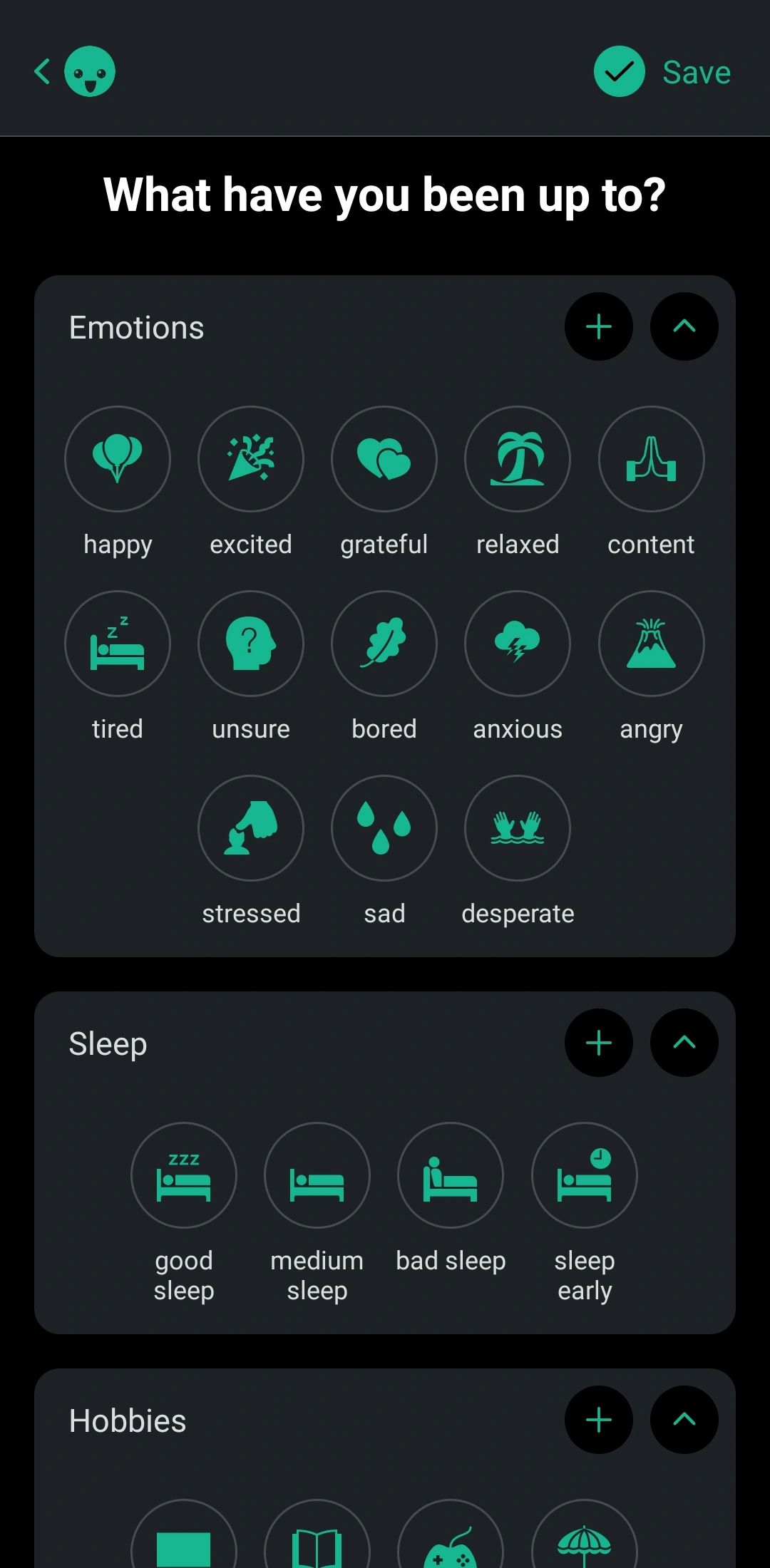
Daylio asks for four seconds a day. Pick a face, tap what you did, done. Add a note, photo or voice memo if you feel like it.
The payoff arrives months later, when those taps become charts showing which activities line up with your good days, and a grid of coloured squares that fits a whole year on one screen.
How it feels: effortless, and a little addictive once the streak gets going. If a blank page killed your last five journals, this is the one that survives. If you came here to write, you'll outgrow it in a month.
Dear DiaryWriting journal · Android only · one-time purchase
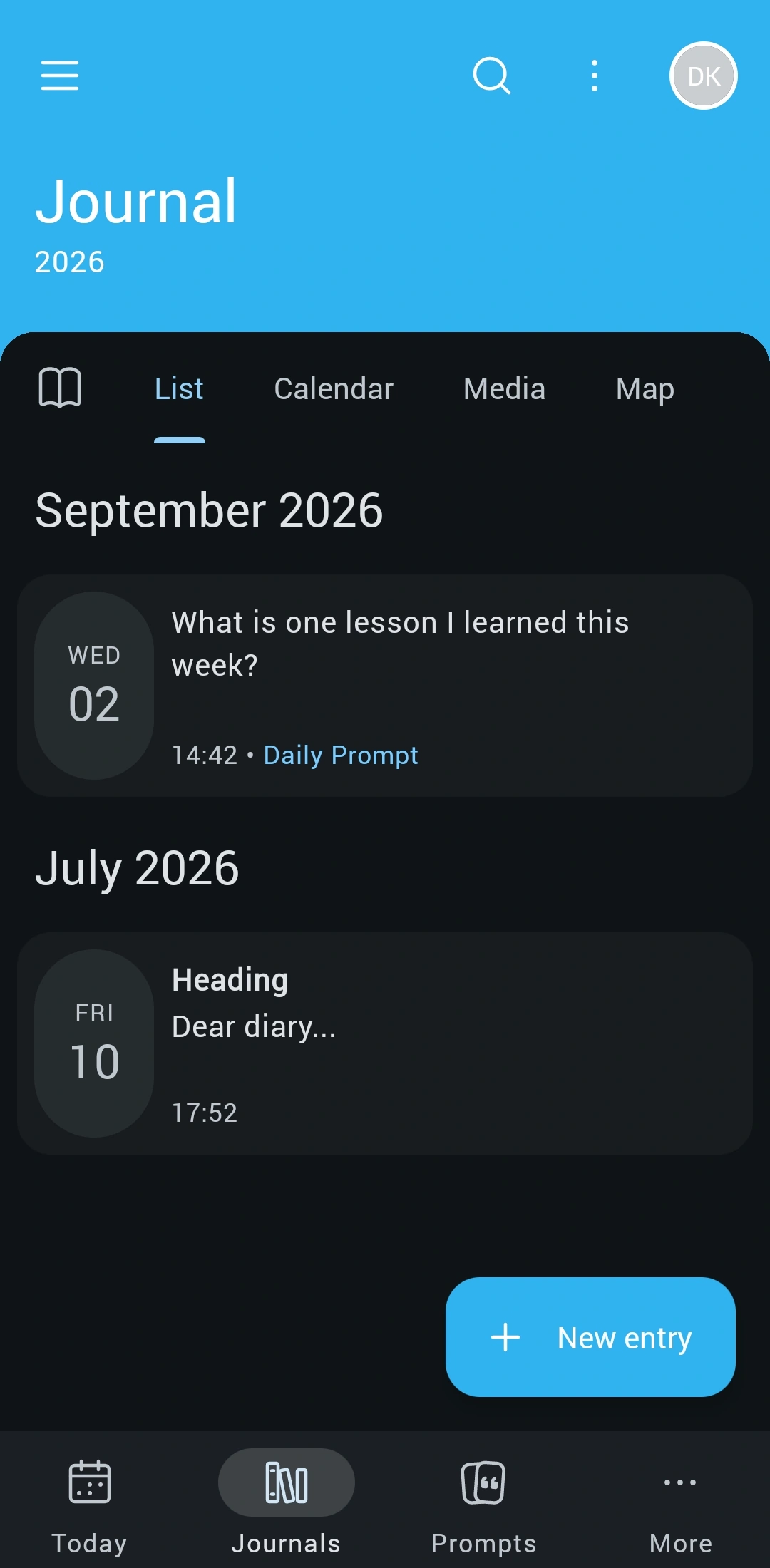
Dear Diary is the nicest place on Android to actually write. Dozens of free prompts are sorted by theme — gratitude, growth, relationships, travel, reflection — so there's always a way in on the evenings when nothing comes.
It takes feelings more seriously than anything else here. Fifty named moods sit in ten families, so you can log nostalgic or overwhelmed and mean it. Story Mode records a trip as photos and voice notes pinned to a map, then plays it back as a short film.
How it feels: calm, warm and genuinely beautiful. Nothing leaves your device, and the extras cost one payment forever. It's Android only, which is either irrelevant to you or the end of the conversation.
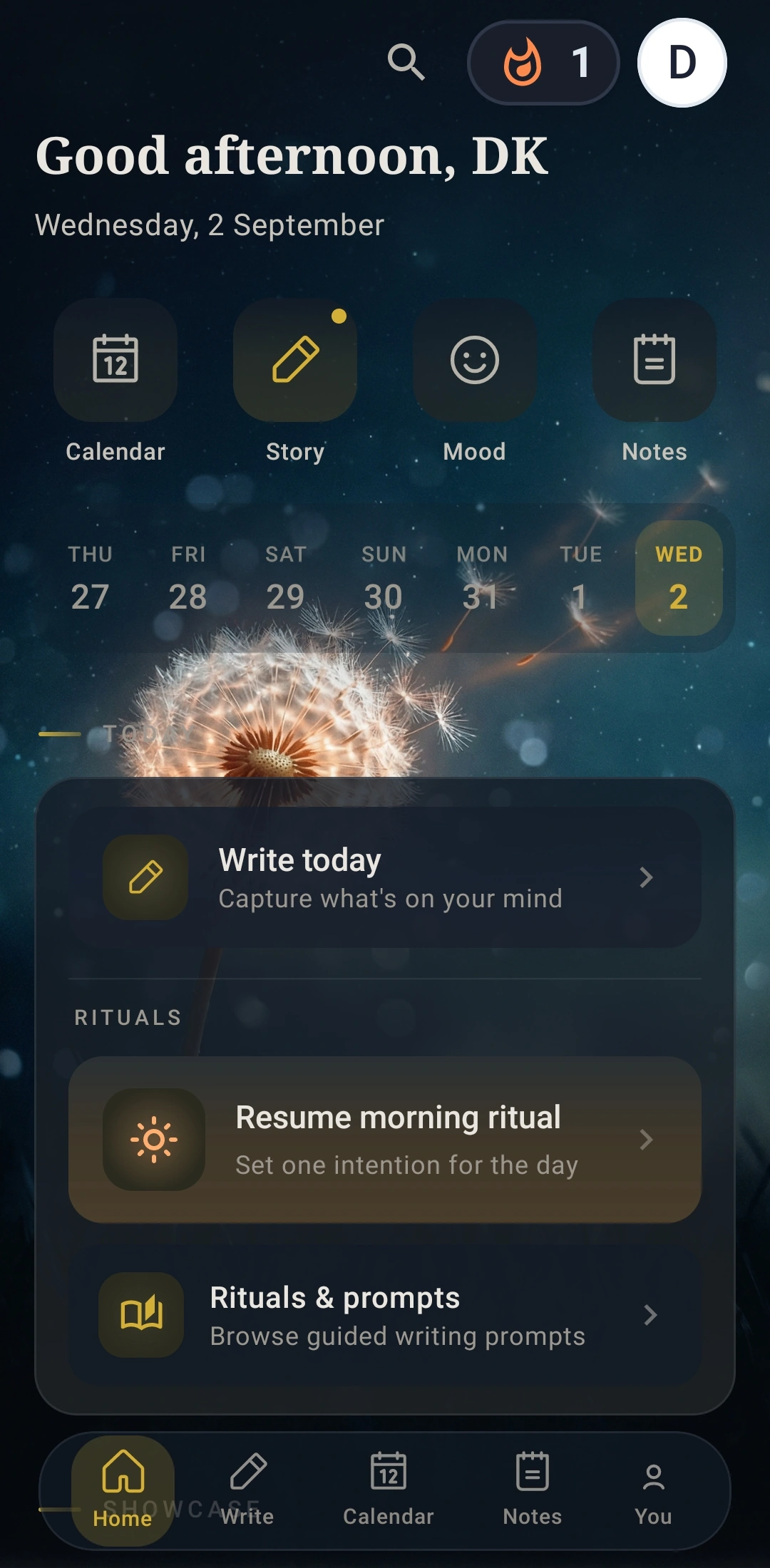
Day OneWriting journal · every platform · subscription
Day One remembers what you'd never think to write down. Every entry quietly picks up the time, the place and the weather, so years later you can open a map of everywhere you've journaled from.
It is the most complete journal here: free prompts, templates, streaks, reminders, and apps on every device you own.
How it feels: polished and a bit serious, like a filing cabinet for a life. Two things to know first — the Android app is the weakest one Day One makes, since drawing and templates never arrived from iOS, and the free tier allows one photo per entry on a single device.
So which one?
You want to make pages, not entries
Snipbook or Zinnia. Both give you a canvas instead of a text box. Zinnia suits you if a constantly restocked sticker shop is the appeal and a subscription is fine. Snipbook suits you if the photos are the point and you'd like to crop one without paying first.
You're here for junk journaling or digital scrapbooking
Mininote or Snipbook. Mininote wins on sheer volume — tape, frames, cut-outs, glitter. Snipbook wins on layered, printable pages kept on your own device. Try both; they're free.
You want to write and don't know where to start
Dear Diary or Day One. Both give you prompts for free, which solves the blank page. Dear Diary is warmer and far better at naming what you're feeling. Day One is the one to pick if you want the same journal open on your laptop tomorrow.
Writing is exactly the problem
Daylio. Four taps a day, and in three months you have something real to look at. Nothing else here asks so little of you.
Nothing should ever leave your device
Dear Diary, Snipbook or Daylio. None of them needs an account, and none uploads what you make. Keeping everything on your own device also means no safety net, so set up a backup in week one.
One last thing
Before you put a year into any of these, check how you get your journal back out. Every app here can export something — a PDF, a spreadsheet, a folder of images. The ones that can't are the ones to walk away from, however pretty the stickers are.
Snipbook is a free app for making diary pages out of your photos — collage them, decorate them, print them. No account, nothing uploaded.
Try it for free! →Screenshots taken on an Android phone in September 2026. App names and screenshots belong to their respective owners and are shown here for review.
New to making pages? Start with how to build a layout that holds together, or the whole collage craft series.